Strikethrough Text Generator
Add strikethrough and underline to text and convert to copyable format
Features
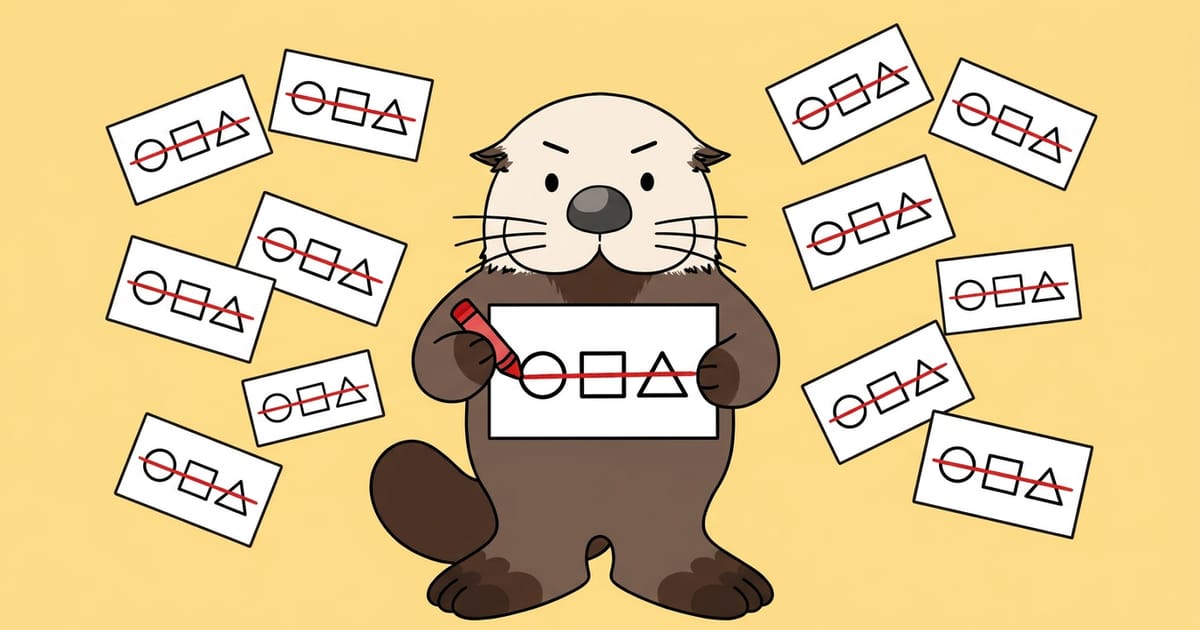
Generate 4 line styles at once
Display 2 strikethrough styles and 2 underline styles in one list
Japanese and emojis work as-is
Add lines to any character type without decomposing emojis
Auto-convert as you type
No execution button needed—see results while you type
One-click copy per line
Copy only the line style you want instantly
How to Use
Enter the text you want to decorate
Type in the input field and all 4 results appear instantly
Try with sample phrases
Use 3 buttons to replace the input field with one tap and check the result
Select the line style you want
Choose from strikethrough, diagonal strikethrough, underline, or double underline
Copy that line and use it
Use the copy button to clipboard, then paste into SNS or chat
Use Cases
Announce sold out or closed
Show inventory or application closure with strikethrough in social posts
Corrections in chat
Keep the mistake visible while adding the correction
Decorate profile sections
Highlight specific words in bio sections without formatting options
Express true feelings or jokes
Use crossed-out text to express difficult or joking sentiments
Knowledge Base
Why does the line remain when pasted elsewhere?
Strikethrough and underline are created by inserting Unicode "combining characters" that overlay the previous character. Since the line is part of the character itself, not a text style, it persists even when pasted into fields without formatting support.
- Combining characters:Combining characters are Unicode characters designed to overlay the previous character. They have no independent form and display as one unit with the preceding character.
- Character codes per line:Strikethrough uses U+0336, underline uses U+0332, and double underline uses U+0333—each a different combining character.
Why lines appear misaligned in different environments
How and where combining characters are rendered depends on the application and font implementation where you paste. The same text can show different line positions or gaps across devices and apps.
- Font dependency:Line length and thickness vary by font, so the same post looks different depending on viewers' device fonts.
- Unsupported environments:In environments that don't support combining characters, lines may appear as separate symbols next to the text instead of overlaying it.
Why does adding lines increase character count?
Combining characters count as individual characters, not formatting, so decorated text is twice as long. "こんにちは" (5 characters) becomes 10 characters when strikethrough is added.
- Post character limits:In posts with character limits, added lines reduce available space for your message, making limits easier to reach.
- Search and screen readers:Text with combining characters has a different sequence than the original word, making it harder to find via search and causing unexpected screen reader output.
Safety and Privacy
Runs entirely in your browser
Your input data is processed only within your browser and is never sent externally.
Processing only in your browser
Adding strikethrough and underline is processed entirely within your browser, and input data is not sent to any server.
Communications encrypted with HTTPS
Page loading is also encrypted by TLS, and content cannot be read by third parties.
No transmission to third parties
Input content is not sent to external services such as ad networks or trackers.
No automatic saving of results
Input text and conversion results and input suggestions are not stored on the server.

Follow RAKKOTOOLS on Google Search
195 useful tools become easier to find from Google Search and AI Search!
- Found in search
- Also shown in AI Search
- Discover new tools
Updates
- update #232
Added strikethrough text generation; now supports 4 types including strikethrough and underline