Online Full-Size Ruler
Display a full-size ruler on your smartphone or PC screen to measure lengths
Features
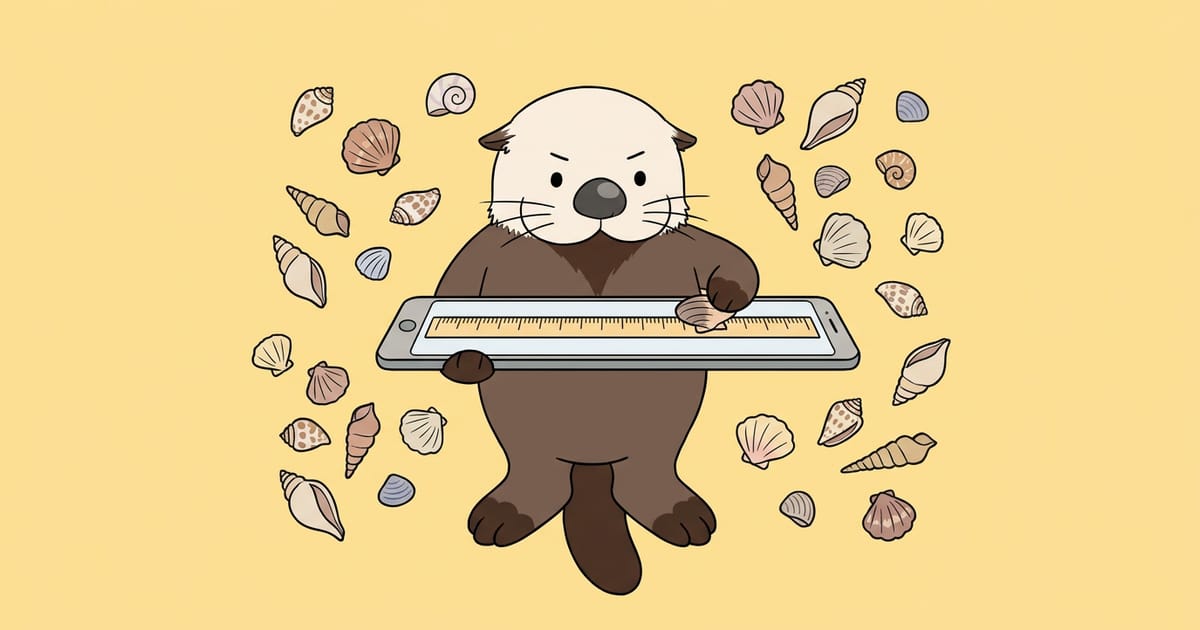
Your screen becomes a full-size ruler
Display cm, mm, and inch scales at actual size on your smartphone or PC screen
Adjust using a card or object in your hand
Align the frame to a credit card or any object of known length to calibrate for your device
Switch between units and orientation
Switch between 3 units (cm, mm, inch) and 2 orientations (horizontal and vertical)
Calibration results saved automatically
Your calibration is saved in this browser, so you can start measuring right away next time
How to Use
Choose a calibration reference
In "Calibration", select either "Credit Card" or "Enter your own length"
Align the frame to the real object
Place the object over the frame on screen and adjust the "Screen Fineness" slider until the colored part of the frame matches the edges of the object exactly
Choose units and orientation
Use the "Unit" (cm, mm, inch) and "Orientation" (horizontal, vertical) buttons to switch the ruler
Align the object and read the measurement
Align one end of the object to the 0 line and read the scale at the other end
Use Cases
Check dimensions while shopping
Measure product or part sizes in-store to see if they'll fit in your space or with items you have
Measure items received from online shopping
Verify that accessories or small items arrived at the advertised size
Measure items for resale listings
Measure width and height of items to verify sizes listed in your description
Simple measurements for crafts and hobbies
Check small lengths without a ruler before cutting paper or fabric
Get a feel for 10cm or 1 inch
Visually see how long 10cm or 1 inch actually is, which is hard to imagine from numbers alone
Basic Knowledge
Why is calibration necessary?
Web pages are drawn using CSS pixels, where 1 inch is defined as 96 pixels (1mm is about 3.78 pixels), but this value doesn't match the actual physical length on the screen.
- Differences between devices:The number of pixels per cm on a screen varies by device model, so the same 96 pixels may appear shorter than 1 inch on a smartphone or longer on a large monitor.
- Why we use real objects for calibration:Since web pages can't accurately get the screen's physical dimensions, we align the scale using a real object of known length.
Browser zoom level and measurement discrepancies
When you change the browser zoom level, the displayed size of CSS pixels also changes, so if you change the zoom after calibration, the ruler scale will be off.
- Example at 125% zoom:When you increase zoom from 100% to 125%, the displayed ruler spacing expands by about 1.25 times, so a 1cm mark becomes about 1.25cm long.
- How to avoid discrepancies:If you use the ruler at the same zoom level as when you calibrated it, the scale will remain accurate.
Credit card dimensions
Credit card size is standardized worldwide under ISO/IEC 7810 ID-1 format at 85.60mm wide × 53.98mm tall.
- Cards with the same size:Debit cards and many membership cards are also made in ID-1 format, so they're the same size as credit cards: 85.60mm × 53.98mm.
- Length of 1 inch:1 inch is internationally defined as 25.4mm, so the spacing of 1-inch marks is 2.54 times that of 1cm marks.
Safety and Privacy
Runs entirely in your browser
Your input data is processed only within your browser and is never sent externally.
Processing only in your browser
Scale calculations and calibration is processed entirely within your browser, and input data is not sent to any server.
Communications encrypted with HTTPS
Page loading is also encrypted by TLS, and content cannot be read by third parties.
No transmission to third parties
Input content is not sent to external services such as ad networks or trackers.
No automatic saving of results
Calibration values and input suggestions are not stored on the server.

Follow RAKKOTOOLS on Google Search
202 useful tools become easier to find from Google Search and AI Search!
- Found in search
- Also shown in AI Search
- Discover new tools
Updates
- update #372
Add an online ruler to the screen; align the card with your display to show actual cm and inch measurements
Featured Tools
RAKKOTOOLS is free to use!
Available free of charge for individuals and corporations, commercial and non-commercial use alike.No prior permission or usage application is required. Feel free to use it in various situations.
Use in streaming and videos
Use various tools such as lottery draws and raffles in live streams and videos.

Use in schools, work, and events
Can be used in various situations such as classes, team division, internal work, and events.

Introduction on Web, books, and SNS
Feel free to introduce it as a useful tool on web media, books, SNS, and other platforms.

Commercial use
Can be used for commercial purposes such as research, calculation, processing, and conversion in business and production.


If you mention it, I get motivated to create more tools!


If using in streaming and videos
Link to RAKKOTOOLS in the description, or Mention or display that you are using RAKKOTOOLS in the stream or video.
Credit example for the description
Usage guidelinesYou are free to use it for normal purposes. However, use for purposes that violate laws, infringe on third-party rights, impose significant load on the service, or otherwise interfere with service operation is prohibited.
We do not guarantee the accuracy or completeness of information and calculation results obtained from each tool.
This notice is a translation of the original Japanese text. If there is any discrepancy between the translation and the original, the Japanese original takes precedence.