YouTube Thumbnail Creator
Layer text and images with outlines and shadows on a background to create YouTube thumbnails for standard and short formats, then save as PNG or JPEG
Features
Standard text decorations like outlines and shadows
Supports double outlines, background bands, and gradient text
Layer and freely arrange elements
Combine up to 20 text and image layers, adjust position by dragging
Two size formats: standard and short
1280×720 and 1080×1920, caution when exceeding 2MB
Save and reuse text styles
Save decorations, apply 6 preset styles with one click
How to Use
Select size and background
Choose "Standard" or "Short" format, then select background from solid color, gradient, or image
Add and decorate text
Click "Add Text" to enter text, apply a preset style or configure outlines and shadows
Position by dragging
Move text in the preview. Use "Snap to Grid" to align with center lines or other layers
Add asset images
Click "Add Image" to load logos and other images, adjust scale and rotation
Select format and save
Choose PNG or JPEG, check the estimated file size, then click "Download"
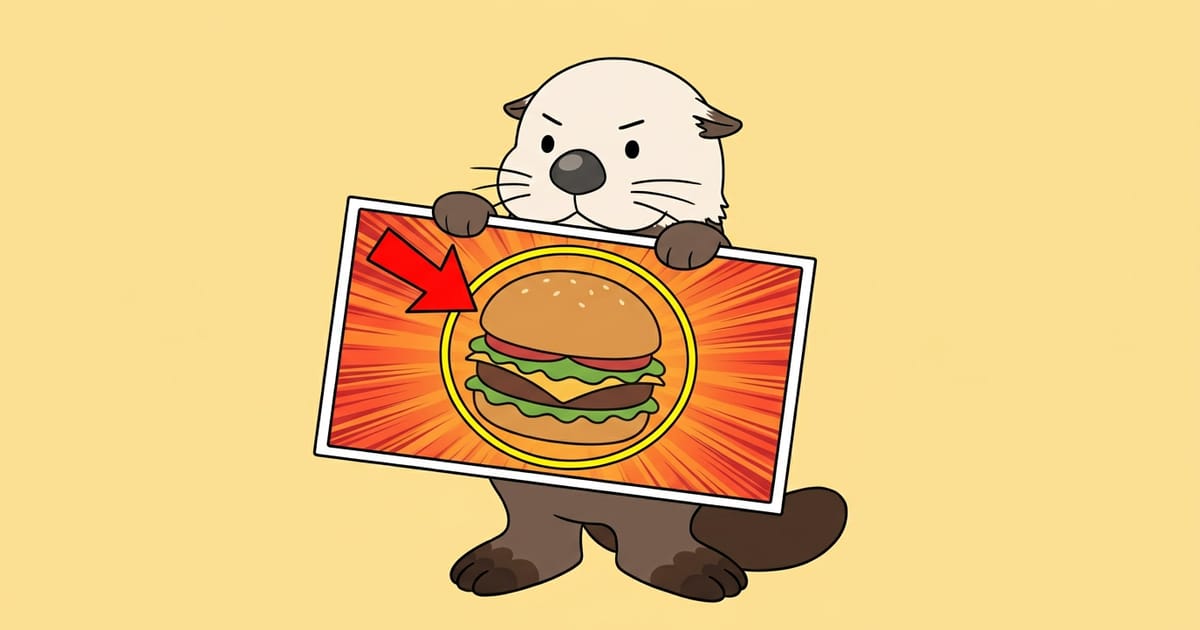
Use Cases
Create thumbnails for each upload
Individual creators quickly prepare eye-catching titles for each video
Team thumbnails with consistent style
Use saved text styles so different team members maintain the same look
Vertical images for short videos
Create portrait format images at 1080×1920 for short-form videos
Stream archive announcement images
Overlay date and title on photos for stream announcements and cover images
Knowledge
YouTube thumbnail recommended size and file size
YouTube thumbnails should be 1280 pixels wide by 720 pixels tall (16:9 aspect ratio), with a file size of 2MB or less as a guideline.
- Aspect ratio:For horizontal videos, using a 16:9 ratio ensures the full thumbnail displays in lists and player screens without being cut off.
- PNG vs JPEG:PNG preserves image quality but creates larger files, while JPEG creates smaller files as quality decreases.
- When file size is large:If exceeding 2MB, choosing JPEG and reducing quality can significantly decrease file size with minimal visual impact.
Text decorations that improve readability
When the brightness and color contrast between background and text is low, text becomes unreadable at small sizes. Outlines and bands are standard decorations to compensate for this.
- Outline:Adding a colored line around text makes the character shapes crisp and clear even over complex photo backgrounds.
- Text shadow:Overlaying a darker shape behind text makes the text appear to float slightly above the background.
- Text background (band):Placing a solid color behind text ensures color contrast regardless of the background pattern.
Safety and Privacy
Runs entirely in your browser
Your input data is processed only within your browser and is never sent externally.
Processing only in your browser
Background images, asset images, and text composition is processed entirely within your browser, and input data is not sent to any server.
Communications encrypted with HTTPS
Page loading is also encrypted by TLS, and content cannot be read by third parties.
No transmission to third parties
Input content is not sent to external services such as ad networks or trackers.
No automatic saving of results
Images and entered text and input suggestions are not stored on the server.

Follow RAKKOTOOLS on Google Search
227 useful tools become easier to find from Google Search and AI Search!
- Found in search
- Also shown in AI Search
- Discover new tools
Updates
- update #381
YouTube Thumbnail Maker added: create thumbnails with layered text featuring borders and shadows
Featured Tools
RAKKOTOOLS is free to use!
Available free of charge for individuals and corporations, commercial and non-commercial use alike.No prior permission or usage application is required. Feel free to use it in various situations.

Use in streaming and videos
Use various tools such as lottery draws and raffles in live streams and videos.
Use in schools, work, and events
Can be used in various situations such as classes, team division, internal work, and events.

Introduction on Web, books, and SNS
Feel free to introduce it as a useful tool on web media, books, SNS, and other platforms.

Commercial use
Can be used for commercial purposes such as research, calculation, processing, and conversion in business and production.


If you mention it, I get motivated to create more tools!


If using in streaming and videos
Link to RAKKOTOOLS in the description, or Mention or display that you are using RAKKOTOOLS in the stream or video.
Credit example for the description
Usage guidelinesYou are free to use it for normal purposes. However, use for purposes that violate laws, infringe on third-party rights, impose significant load on the service, or otherwise interfere with service operation is prohibited.
We do not guarantee the accuracy or completeness of information and calculation results obtained from each tool.
This notice is a translation of the original Japanese text. If there is any discrepancy between the translation and the original, the Japanese original takes precedence.